Your whole trip,
in motion.
Turn photos, stops, or a route into a cinematic animated map — then keep every trip in one place.
- Free
- No ads
- No account needed
A silent, twelve-second story. Follow the route from London to Paris and Rome, with the country and distance at each arrival, finishing on the complete journey.
How it works
From places to a story.
Bring the trip in whichever form you have it, shape it on the map, and share the finished story.
Add your trip
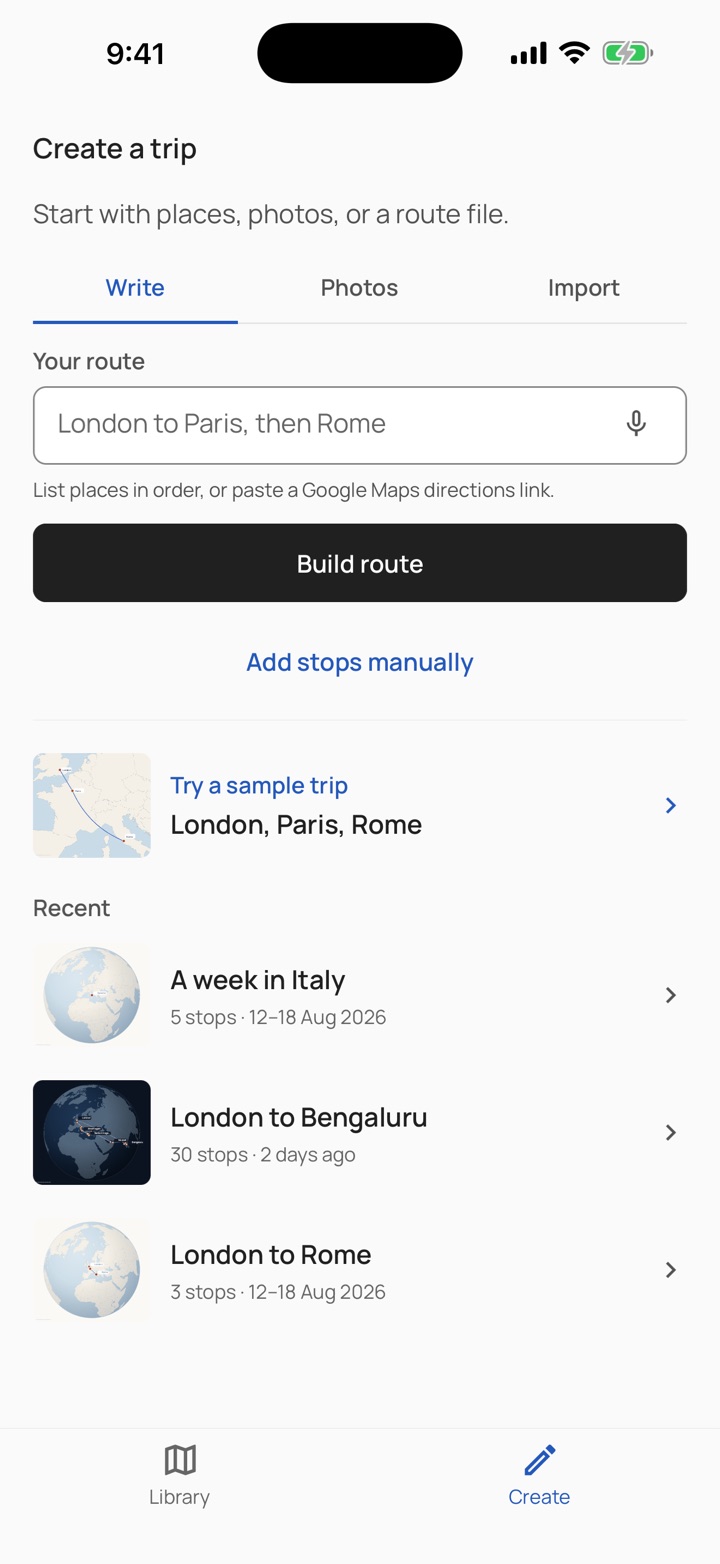
Type the places in order, pick the photos you took, or import a GPX, KML, GeoJSON, or IGC file.
Stops, countries, and distances are worked out for you, then shown for review.
Make it yours
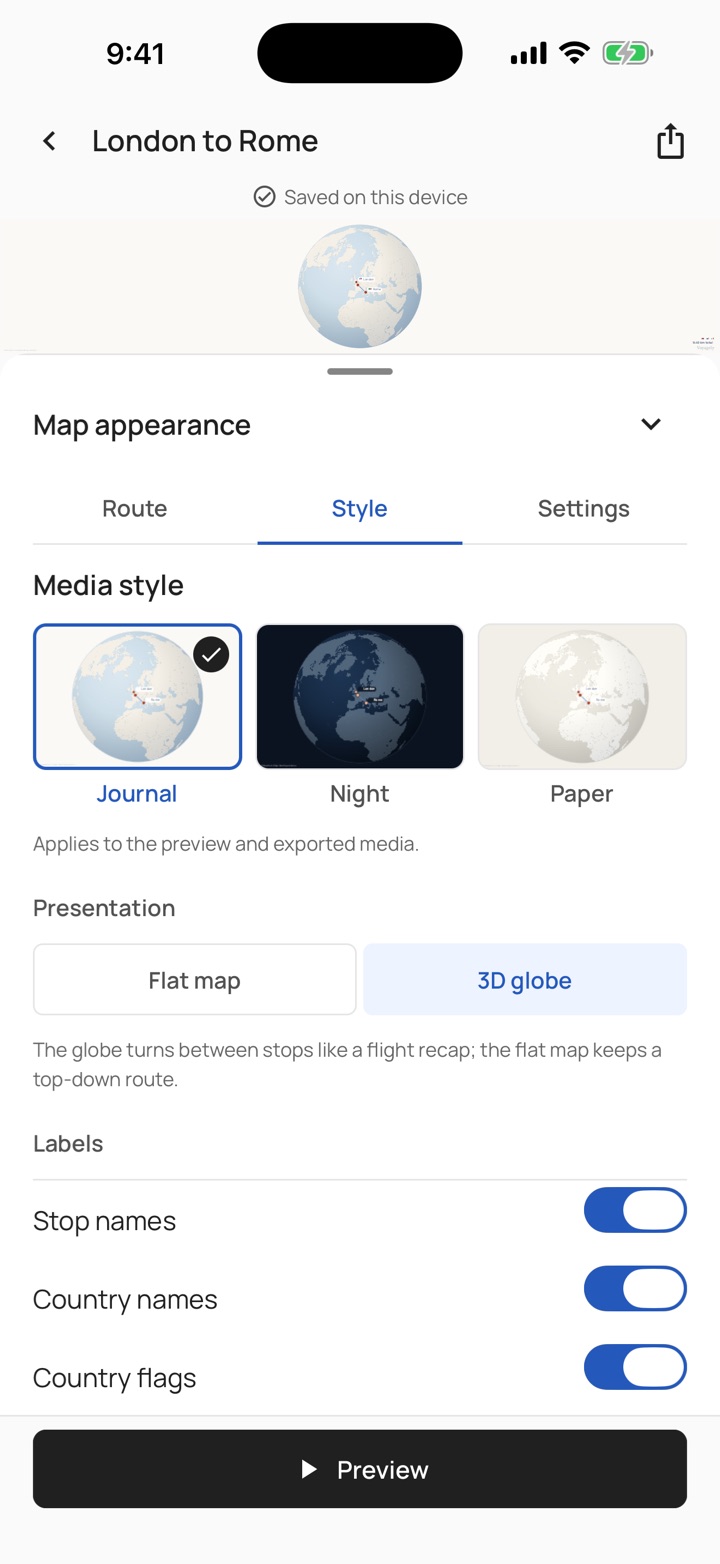
Reorder stops, choose how you travelled, and pick a style: Journal, Night, Paper or Earth.
See your own journey in every style before you choose.
Share the story
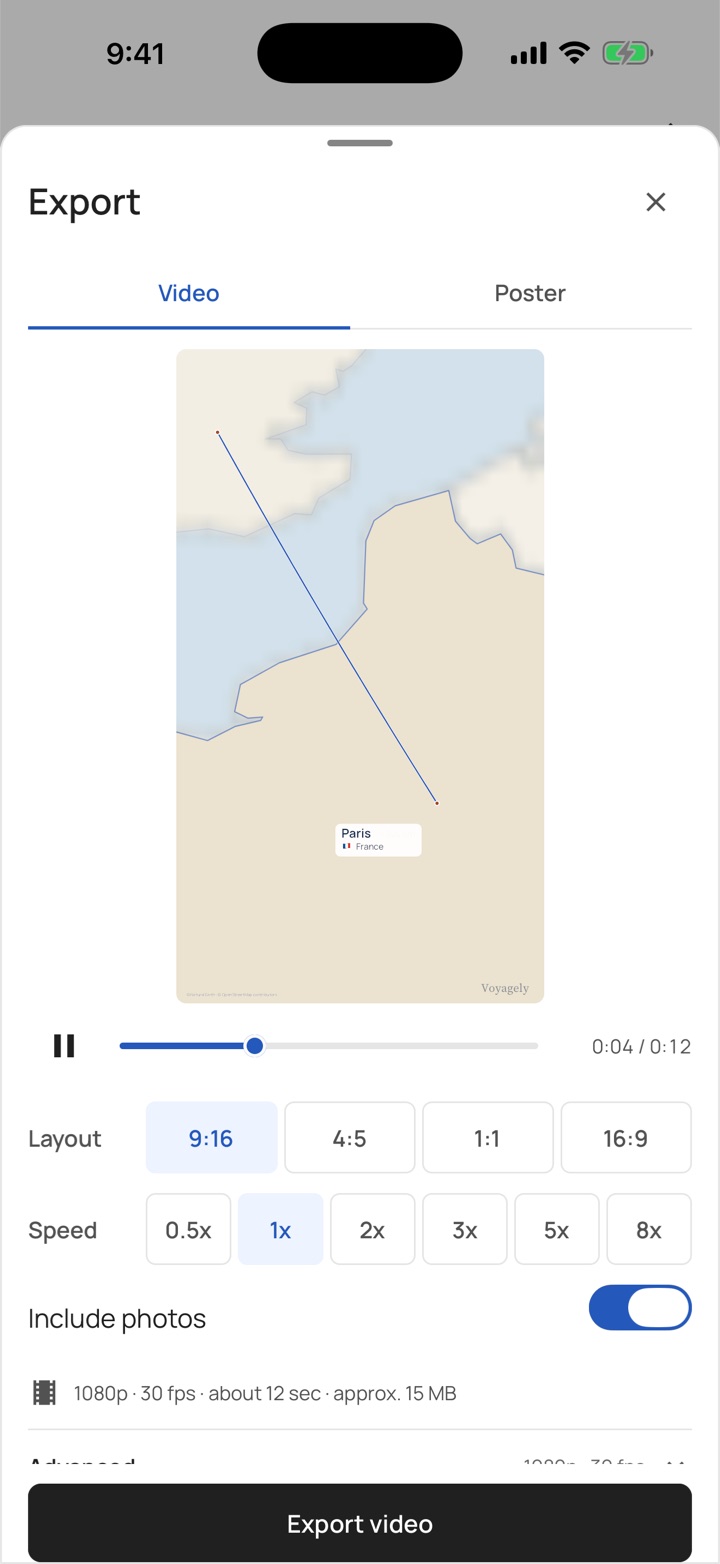
Export a video or a poster in story, feed, square, or wide shape, up to 1080p at 60 fps.
Save it to your device, ready to share.
Stories
A journey worth replaying.
Follow a journey from its first stop to its last, then keep it as a video or a poster.
London to Rome
A journey through cities and coastlines: train to Paris, then over the Alps by air. Turn the globe, pick a stop, or play the route.
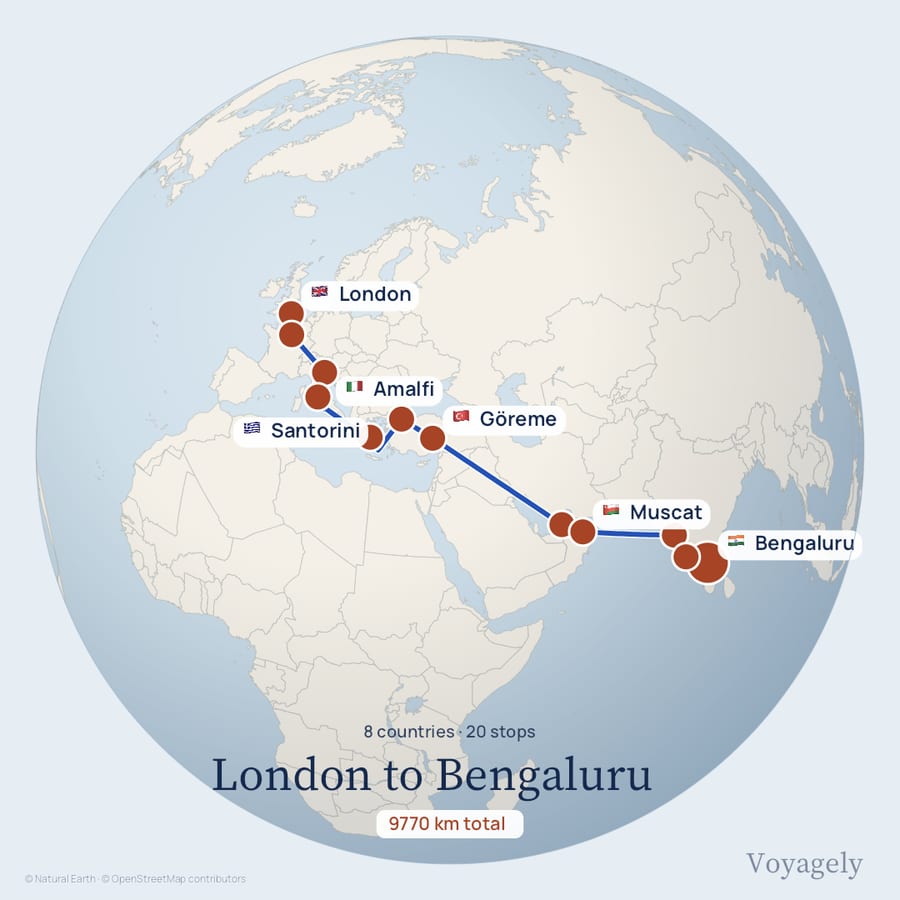
London to Bengaluru20 stops · Journal, globe 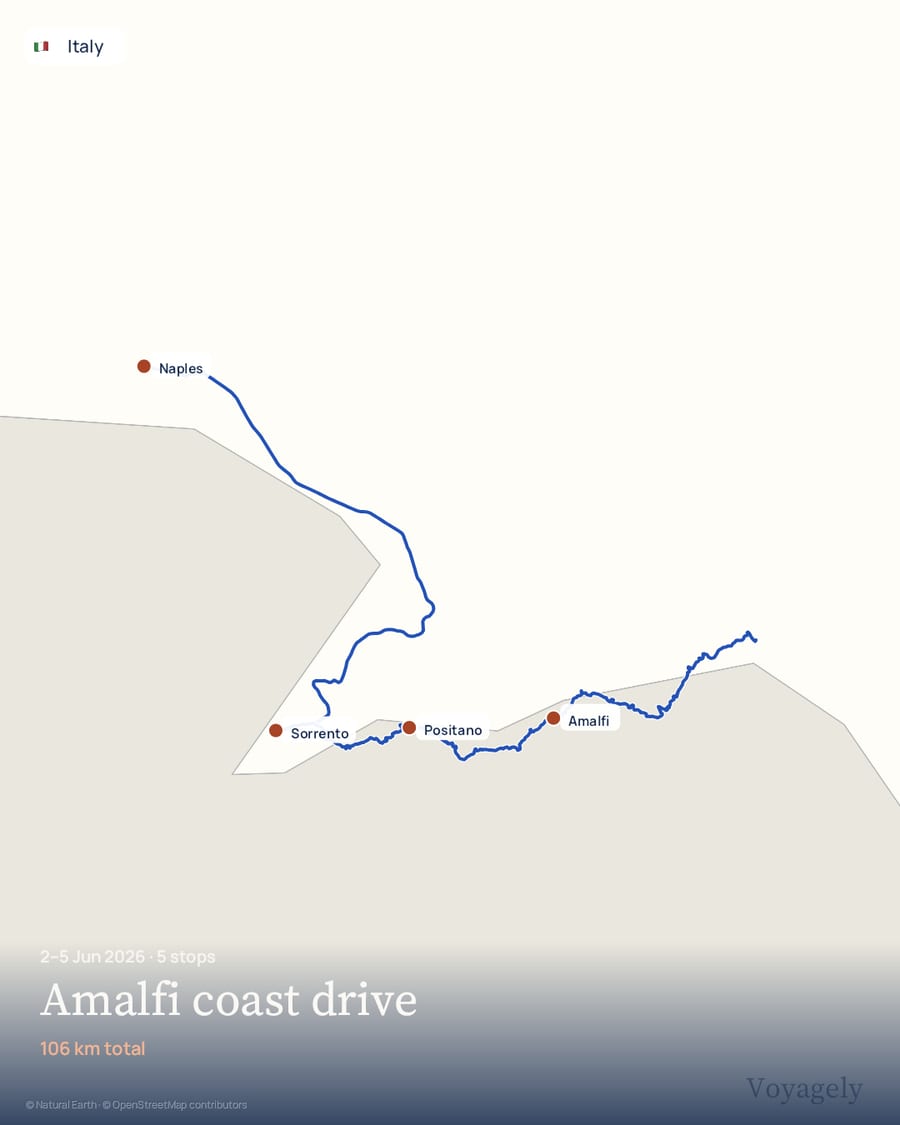
Amalfi coast driveJun 2026 · Paper, road legs from OpenStreetMap 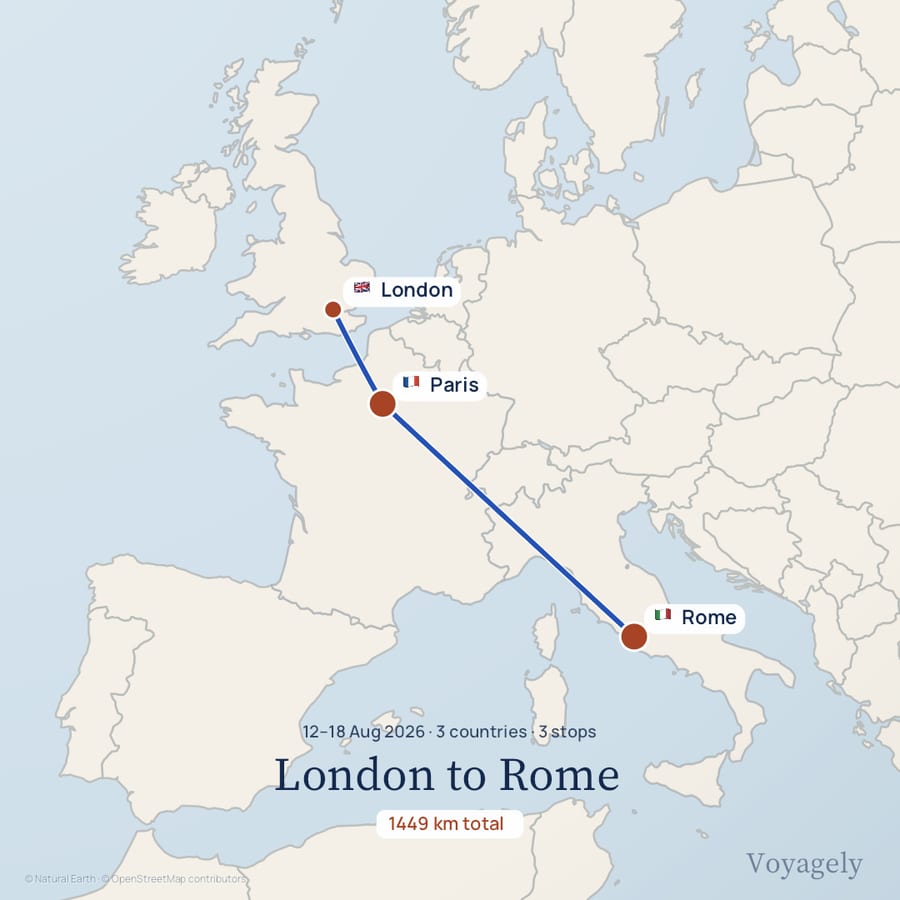
London to RomeAug 2026 · Journal, square poster
What you get
Made for the way you travel.
Start with what you have
- Photos taken with location on become a route, read on your phone and never uploaded.
- A sentence like “Bengaluru to Goa by train, then Hampi” becomes ordered stops.
- GPX, KML, GeoJSON, and IGC files import with their recorded distances.
- A Google Maps directions link pastes straight in.
Make it your own
- Journal, Night, Paper and Earth, previewed on your trip. Satellite imagery is available where supported.
- Flat map or a turning globe; road legs drawn along real roads when online.
- Thirty-one ways to travel, each leg drawn with the right vehicle.
- Include attached photos in your video, or turn them off before export.
Keep your journeys
- Every trip lives on your phone first. No account is needed to make or export one.
- Sign in and your trips and finished videos follow you to another device.
- Bundled maps and Earth imagery work offline. Detailed street maps, Satellite imagery and place search need a connection; map detail can differ offline.
- Delete your account and its cloud data any time from the app.
Formats and specs
- Ways in
- Photos, typed text or voice, Google Maps links, GPX, KML, GeoJSON, IGC
- Outputs
- MP4 video and PNG poster
- Shapes
- Story 9:16, Feed 4:5, Square 1:1, Wide 16:9
- Quality
- 720p or 1080p, at 24, 25, 30, 50, or 60 fps
- Styles
- Journal, Night, Paper, Earth; Satellite where supported
- Map data
- Natural Earth cartography; roads from OpenStreetMap via OSRM
Questions
Questions, answered.
How do I get Voyagely?
Voyagely is on the App Store for iPhone, and it is free to download. Open the App Store link on this page, or search for Voyagely.
Will there be an Android version?
Yes — iPhone came first and Android is next. Leave your email on this page and we will tell you when it is ready.
What can I turn into a video?
Three ways in: pick photos and we read the route from them, describe the trip in a sentence, or import a GPX, KML, GeoJSON, or IGC file.
What do exports look like?
Real video and image files in story, feed, square, or wide shapes, up to 1080p at 60 fps, saved straight to your library and ready to post anywhere.
Do my photos leave my phone?
No. Routes are read from your photos on your device — only the trip you choose to build is saved to your account.
Will it be free?
Voyagely is free to download and use, with no advertising and nothing to buy inside it today. A Pro upgrade will unlock the highest-quality exports later.
Your next trip deserves a story.
